
Your Automated FedRAMP 20x Trust Center
Build instant credibility with a real-time security dashboard that transforms static compliance into continuous, automated proof of your security posture.


















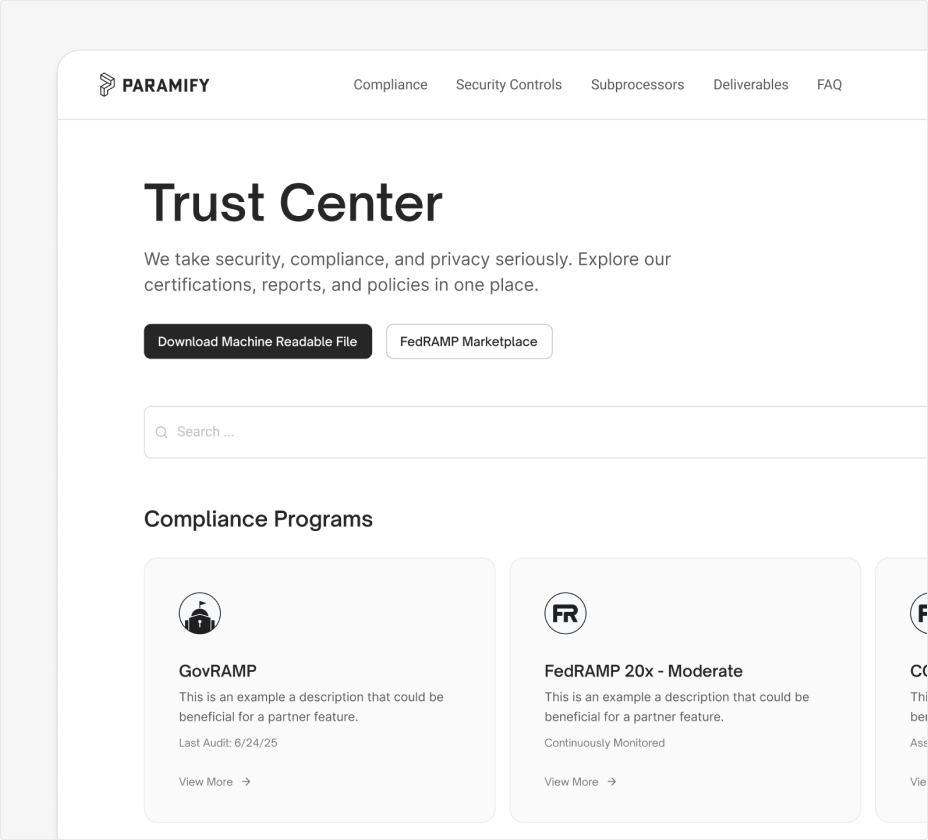
Don't Rely on Static Docs. Show Live Proof.
Your Trust Center is a branded, public security portal at your own URL.
External stakeholders get real-time visibility into your security and compliance posture, automatically pulled from your Paramify workspace. Stop manually shuffling documents and filling out repeat questionnaires.
Auditors and agencies get continuously validated evidence from your production environment.
External stakeholders get real-time visibility into your security and compliance posture, automatically pulled from your Paramify workspace. Stop manually shuffling documents and filling out repeat questionnaires.
Auditors and agencies get continuously validated evidence from your production environment.
A 20x Trust Center Built for Transparency
Don't kill deal velocity. Close contracts with an Automated Trust Center.

Framework Agnostic
Instantly generate security posture for any program or compliance framework leveraging your tailored Paramify Risk Solutions — the digital blueprint of your people, process, and technology.

Build Buyer Confidence
Eliminate the 'trust gap' with continuous assessment. Automatically collect and validate evidence to prove your security controls and KSIs are functioning exactly as documented, 24/7.

FedRAMP 20x ConMon
KSI implementations, control statuses, and automated evidence published live, not in a monthly spreadsheet. Share what agencies need without a manual lift every time.
Control What They See, Share What They Need
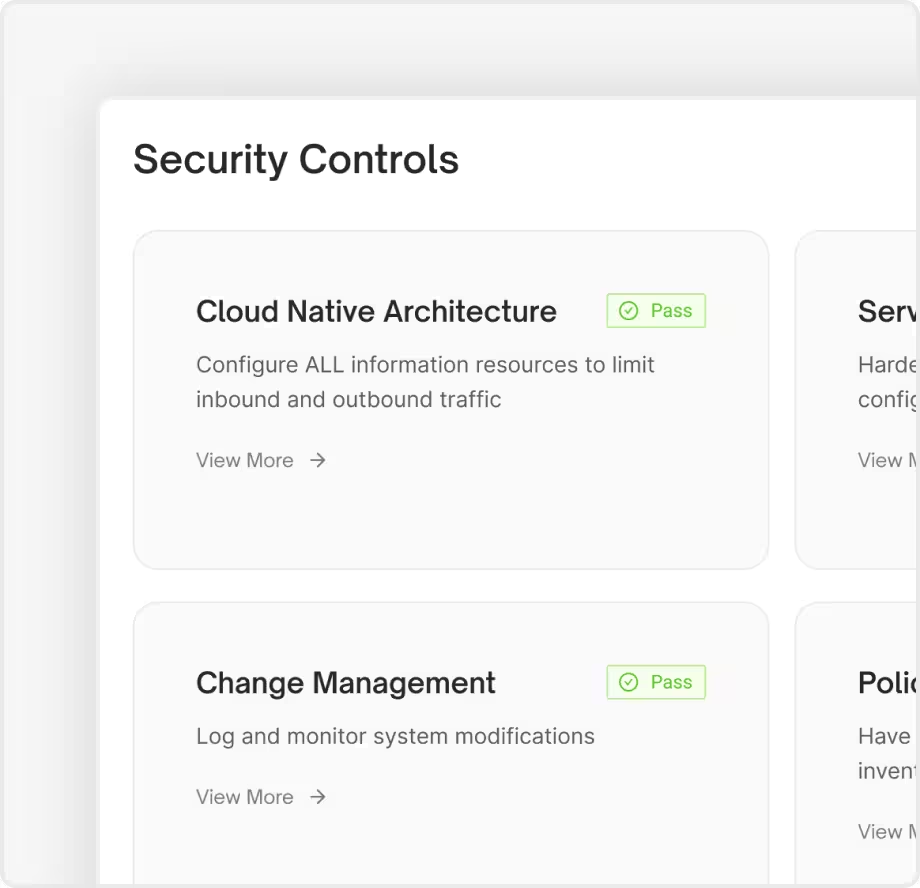
Real-Time Security Posture
Publish your compliance controls, programs, subprocessors, and deliverables on the web. Display which controls are implemented, planned, or partially met across FedRAMP, CMMC, SOC 2, and more.
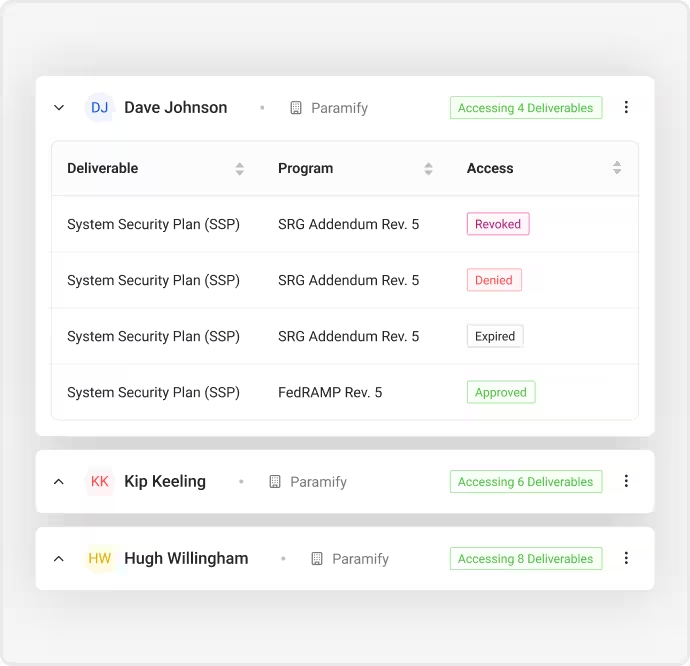
Granular Access Control & Requests
Grant users full or partial access to specific programs and artifacts. Visitors request access directly from your Trust Center, you approve or deny in one click, and they get an automated email with the outcome.
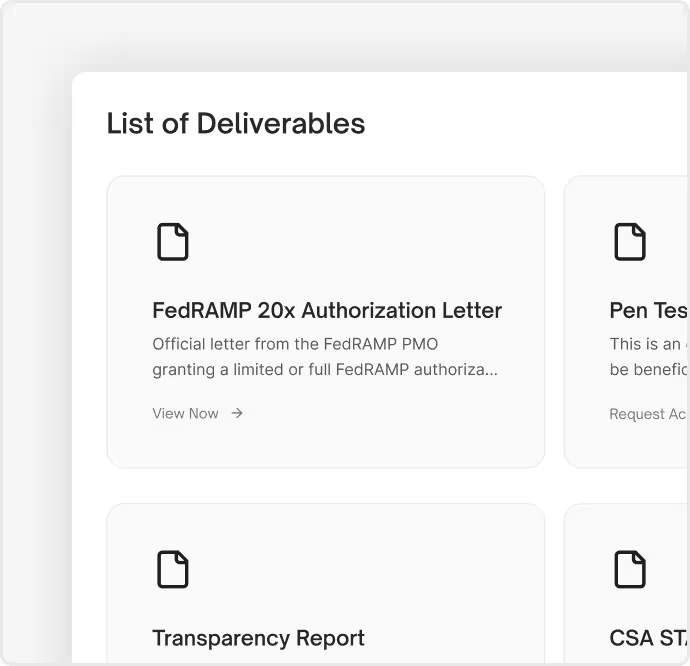
Deliverables and Artifacts
Publish ATO packages, OSCAL-formatted SSPs (SSDR), policies, and custom artifacts directly in your Trust Center. Machine-readable deliverables mean your documentation is always current.
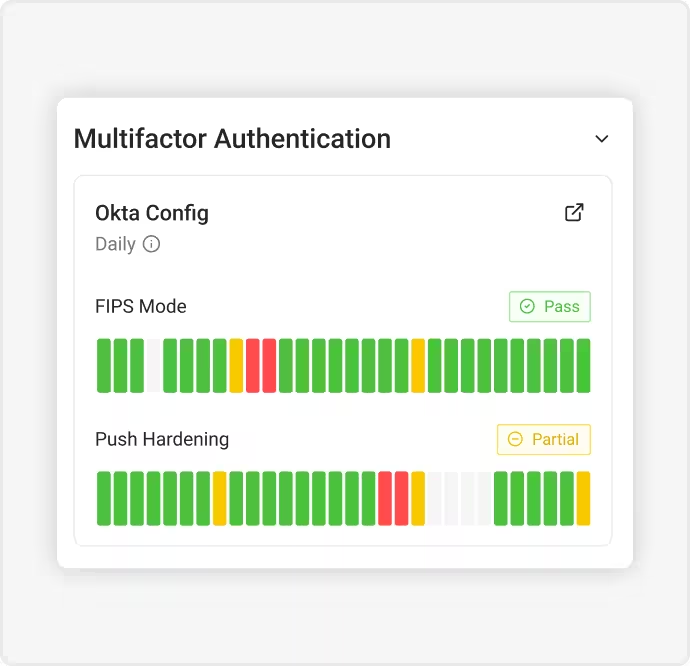
Validator Logic Built
for Auditors
FedRAMP 20x assessors need a transparent view of how your evidence was automatically validated. Paramify's validator logic surfaces pass/fail/partial results with underlying evidence attached, keeping your Trust Center current.
Your Comprehensive Tool for FedRAMP 20x Certification
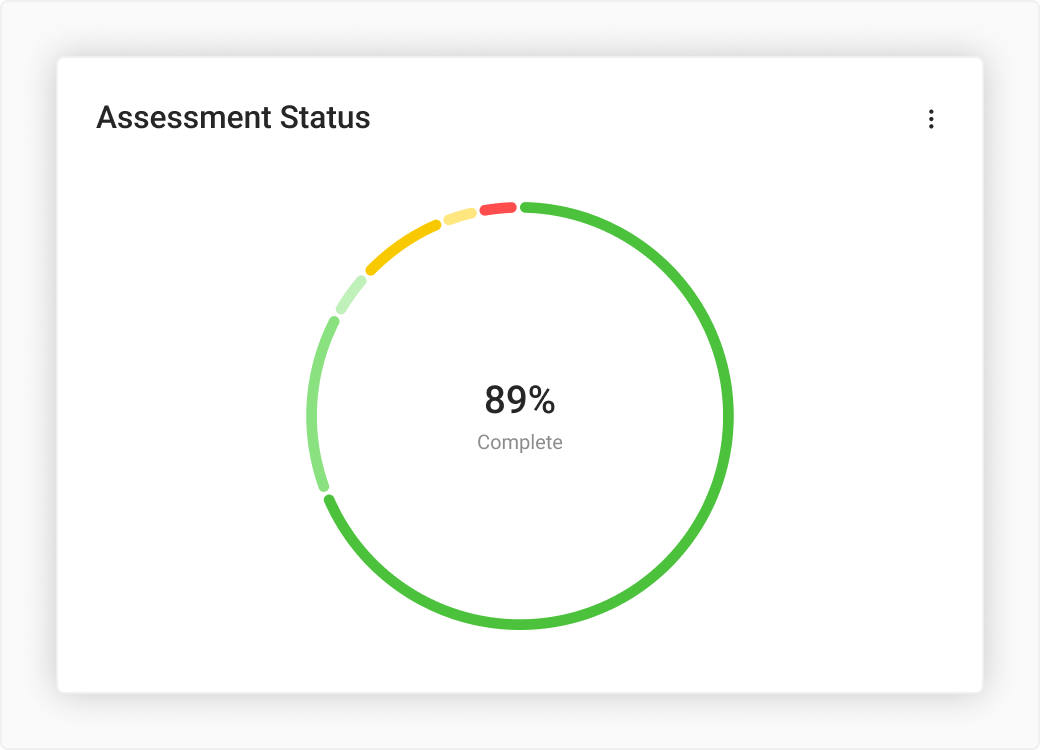
Always Audit Ready
With an easy-to-maintain security capabilities library and evidence repository, stay audit-ready. Auto-update documentation to adapt seamlessly to evolving landscapes.
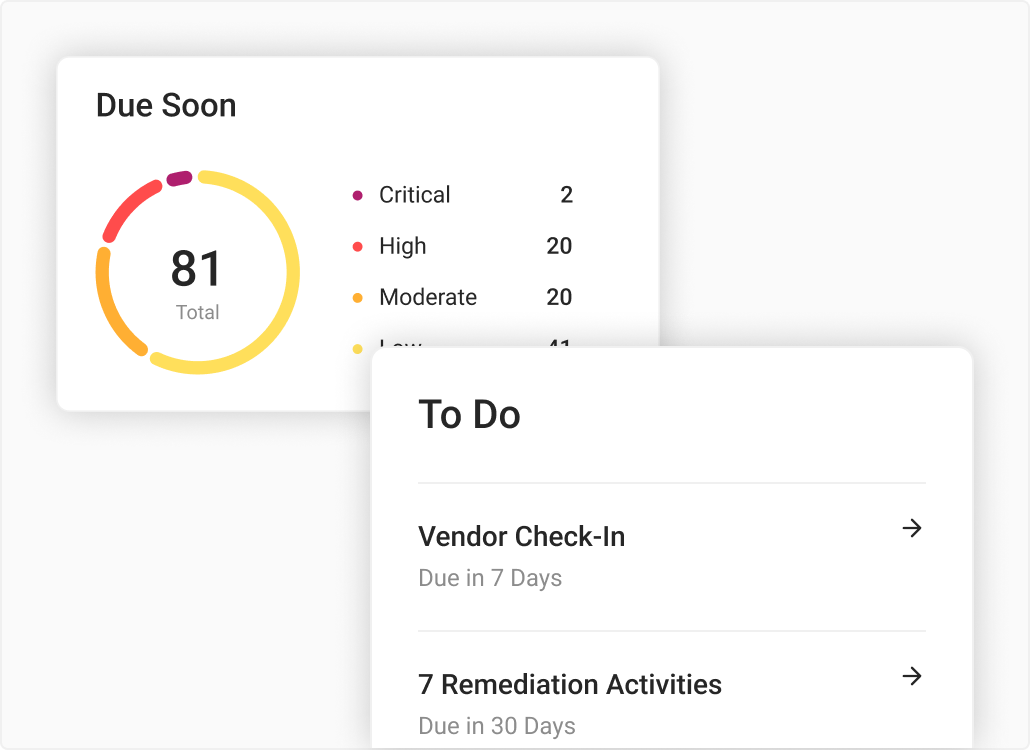
Don’t Miss Deadlines
Work and collaborate efficiently by focusing on what matters most, eliminating surprises and ensuring timely completion.